User Interaction - UX UI ideation
How the user interacts with the concept
The interaction model focuses on keeping the athlete moving—select the activity, begin the session, and the system delivers immediate, on-wrist feedback. The goal is to minimize cognitive load during performance, allowing the user to receive clear, actionable information without digging through layers of menus.
Ideation behind the concept
The design exploration revolves around creating a system that feels simple, intentional, and efficient. Each interaction is stripped down to its essentials: a single tap to start, straightforward metrics, and brief performance summaries that remain out of the way until needed. The aim is to provide meaningful insights through an interface that supports the athlete instead of distracting them.
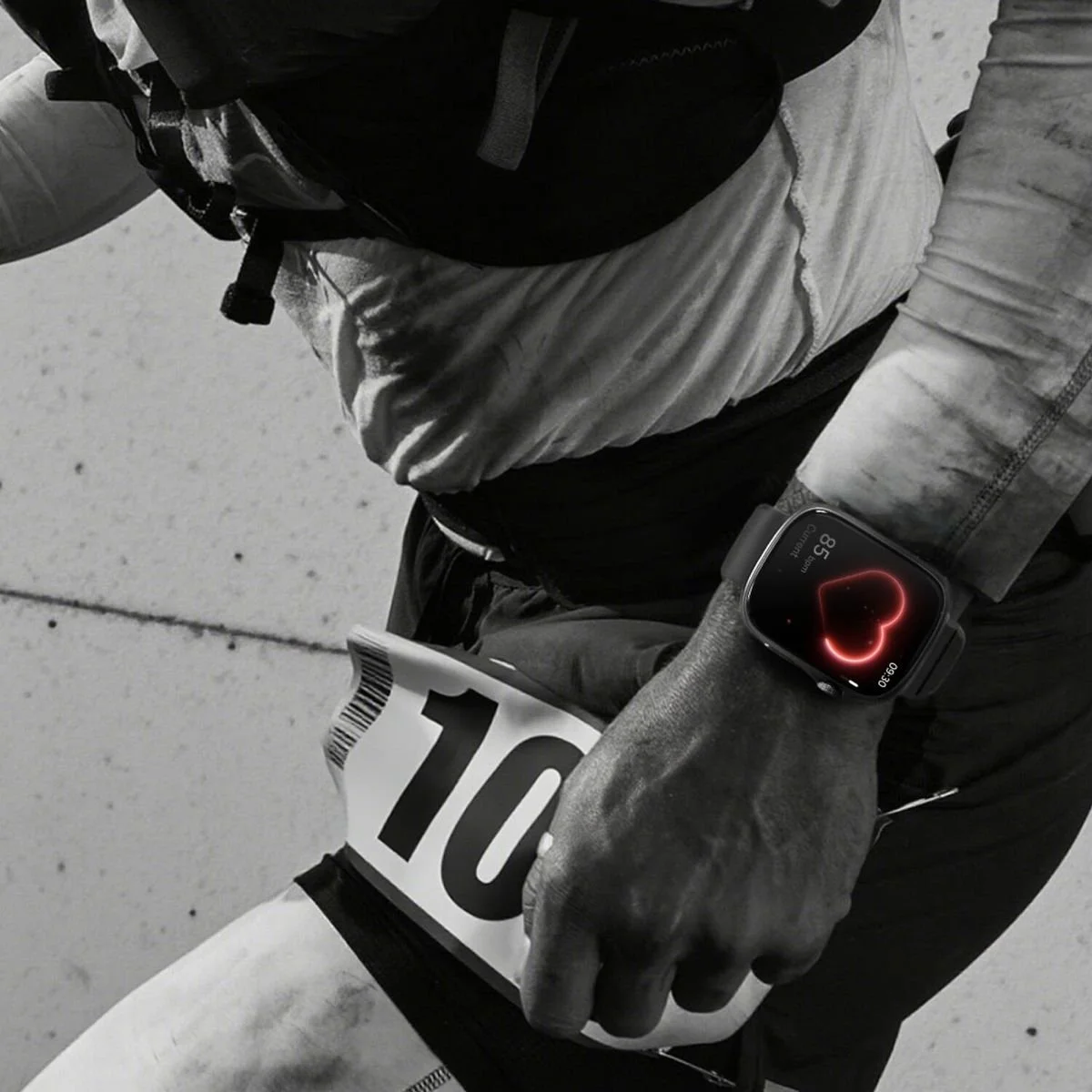
I started by building a consistent visual language—icons, buttons, screens—then converting everything into modular components. I created variable collections for all possible outputs and tied them into instances so each screen could shift states as needed. With the logic set, I layered animation and motion cues to bring clarity and rhythm to the experience.
Figma Set Up
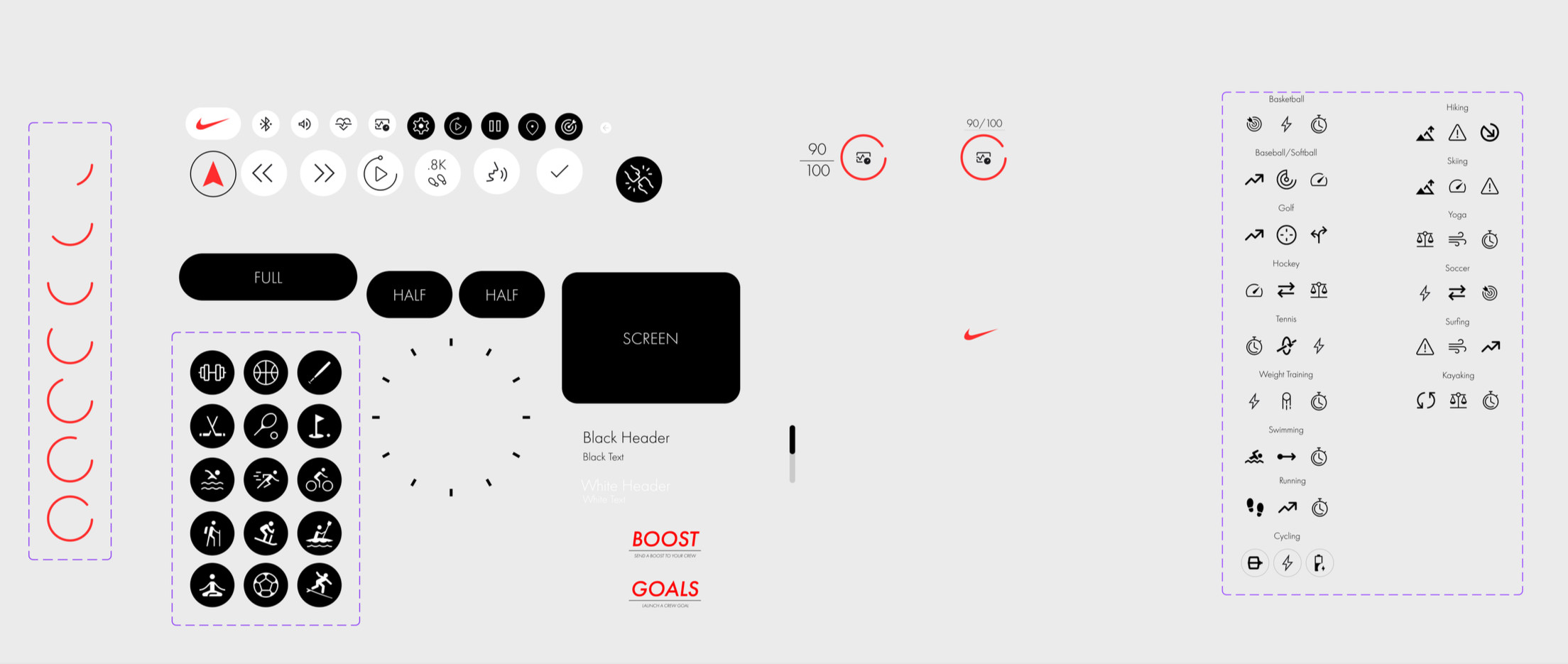
buttons and icons
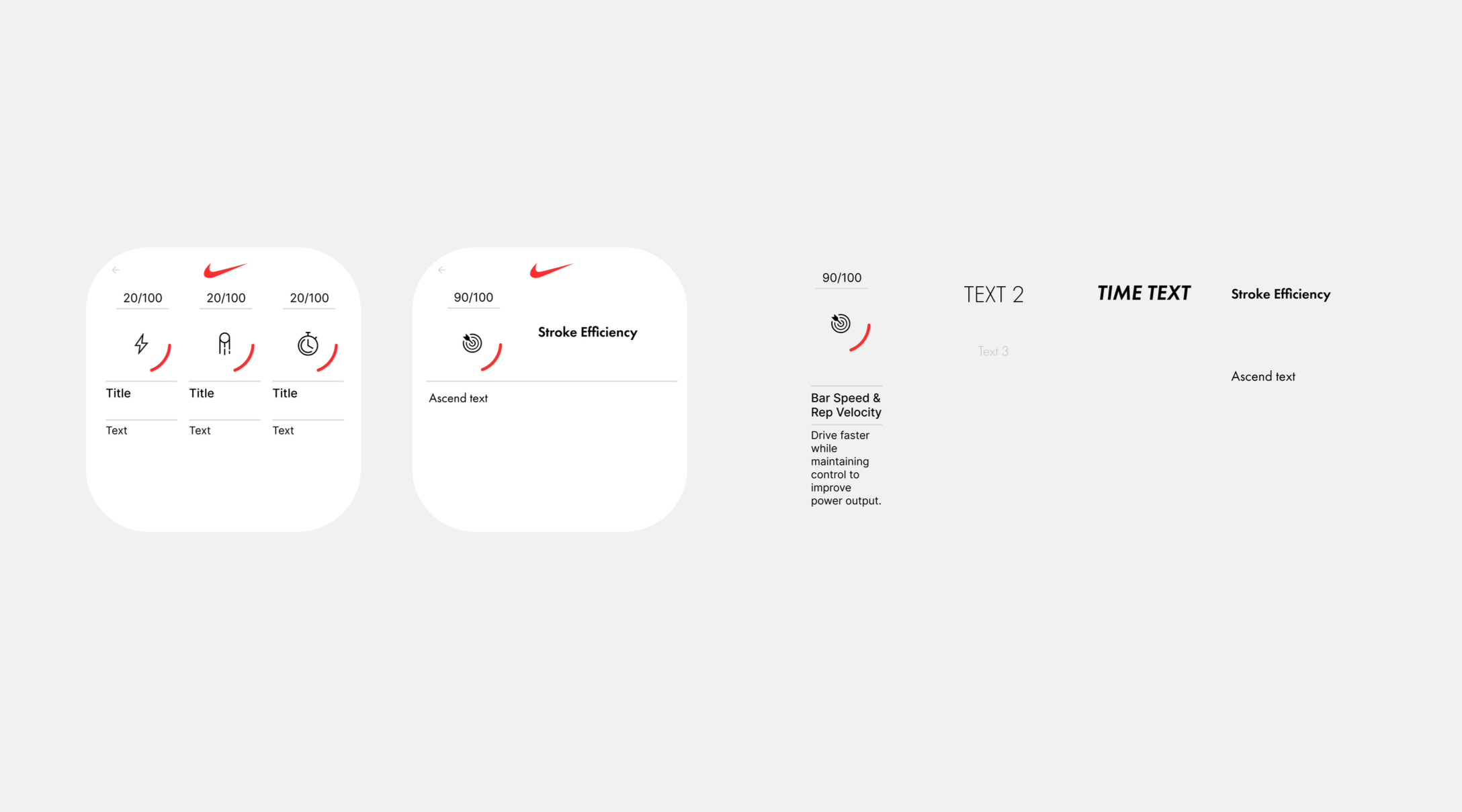
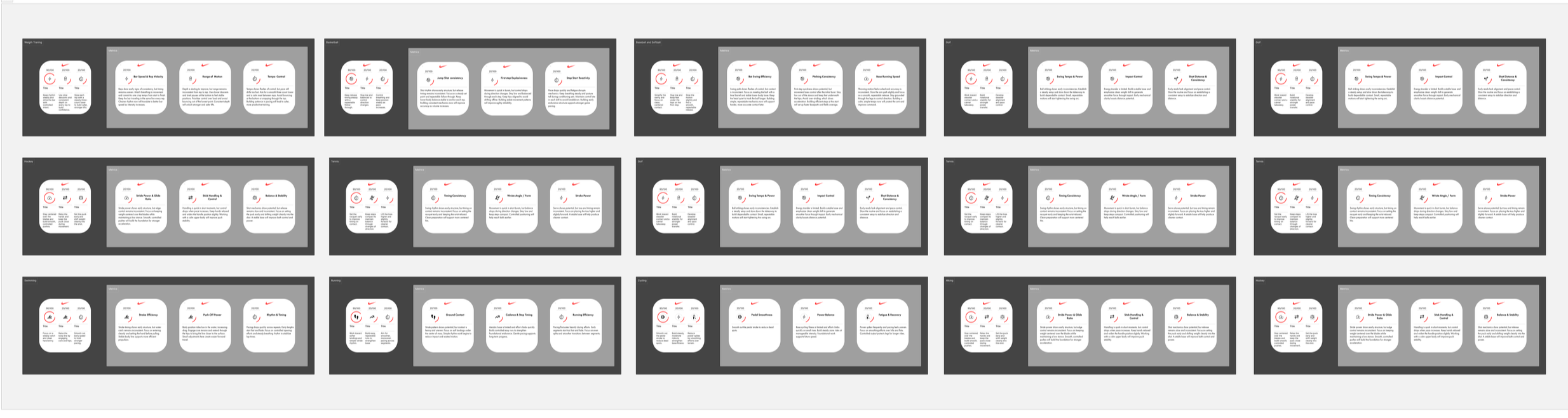
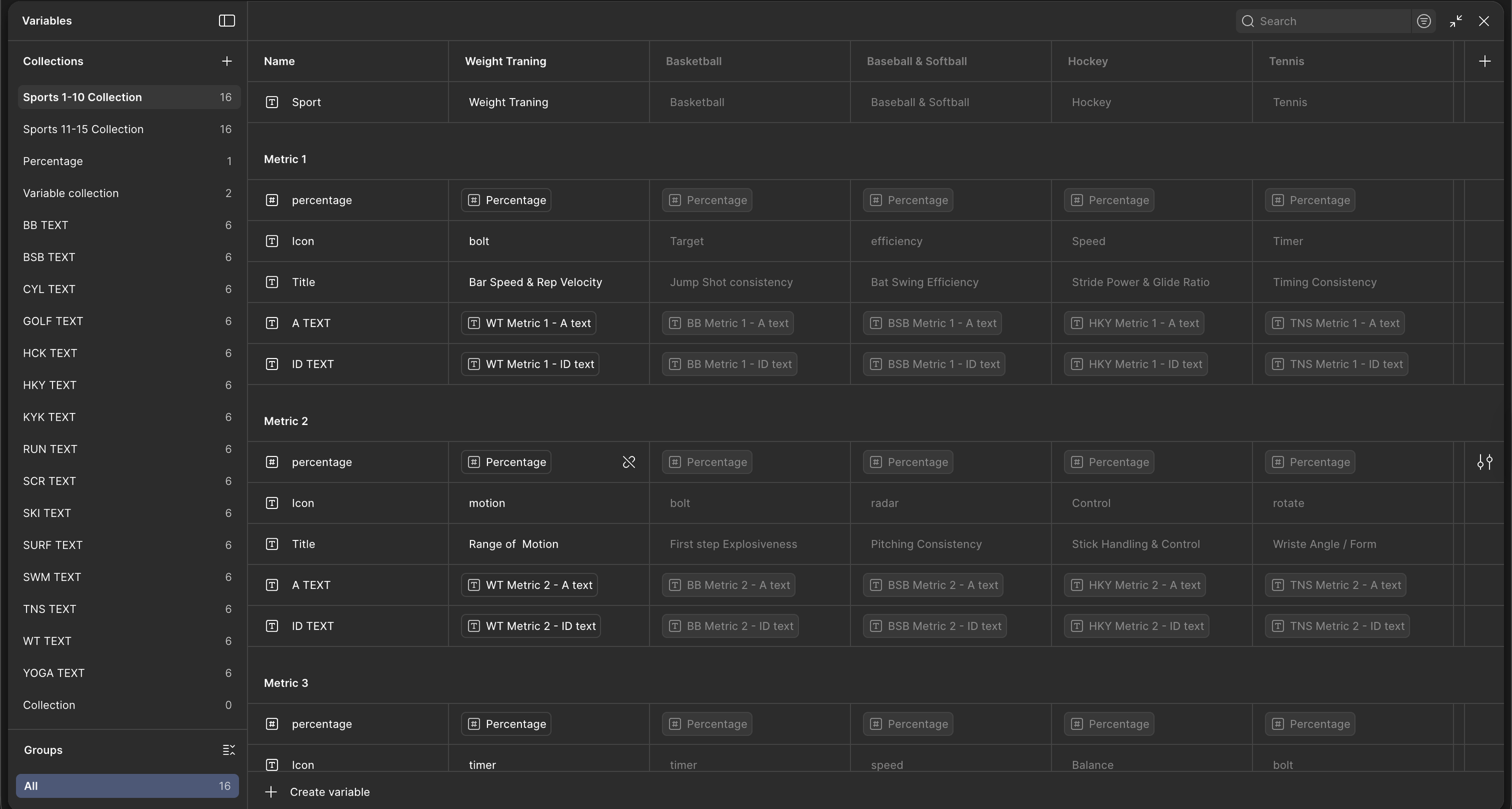
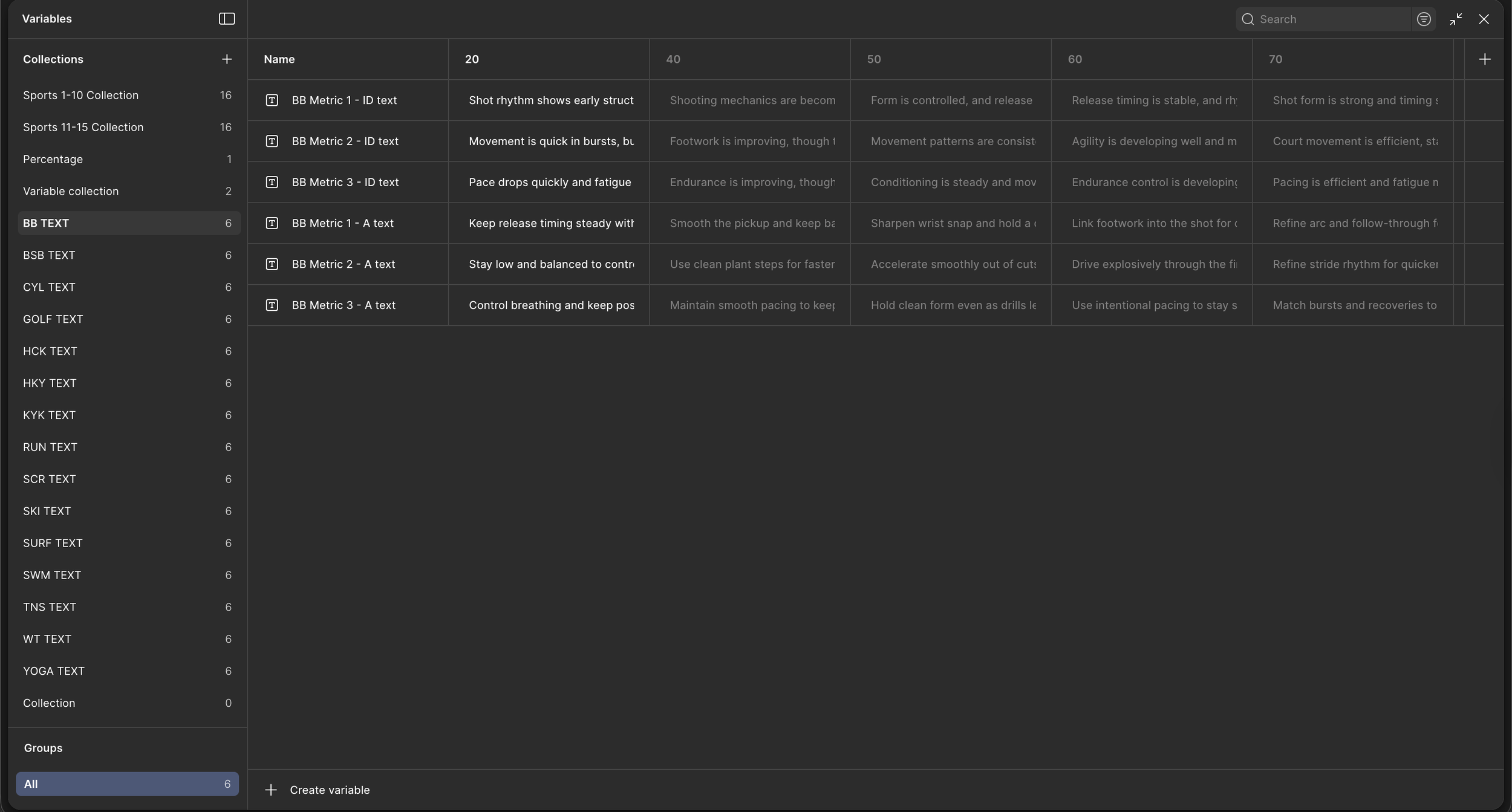
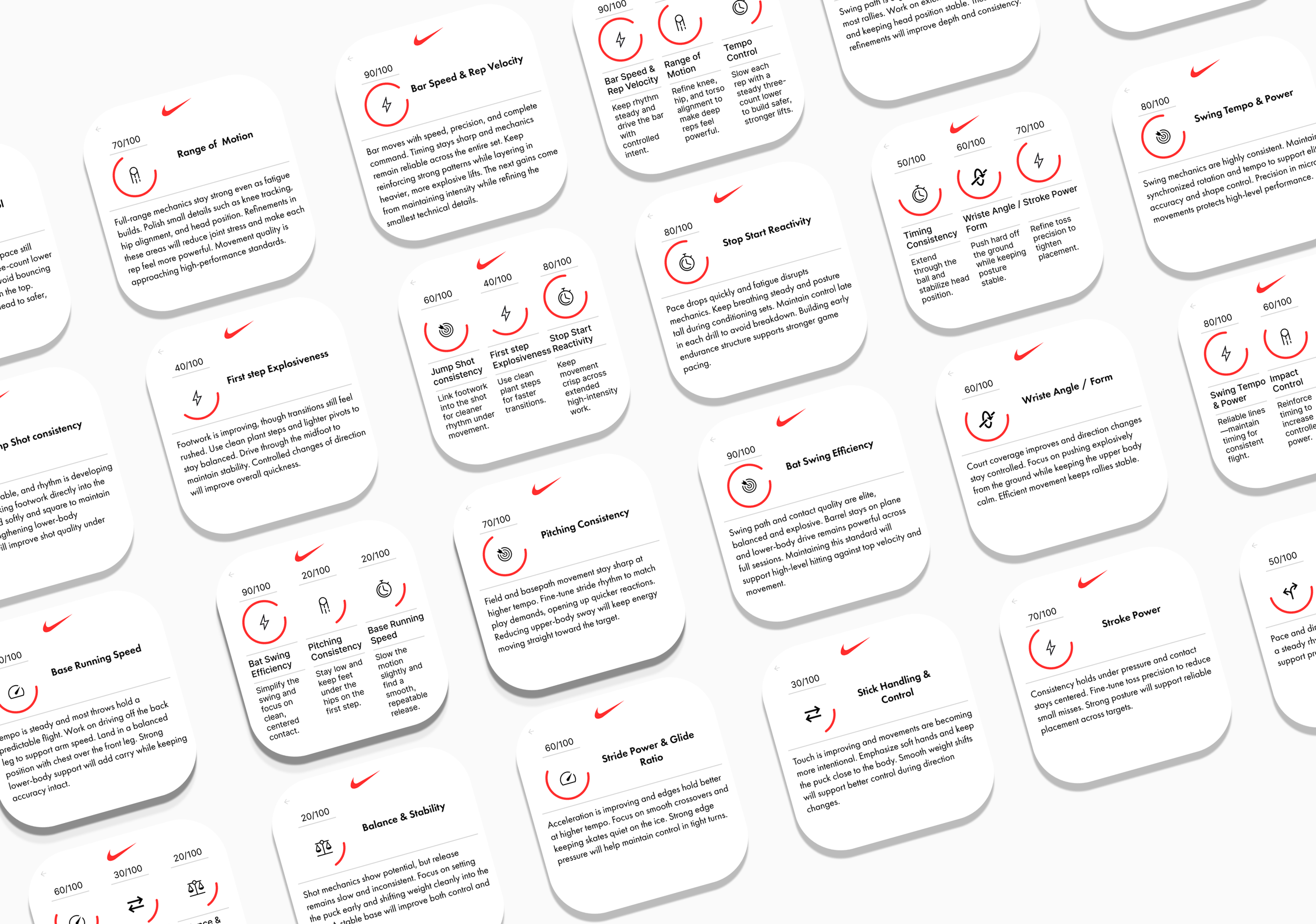
To simulate a dynamic feedback system, I organized sport-specific metrics and their corresponding copy into Variable Collections. By linking these variables to UI elements and using a randomization logic triggered by a click, the prototype displays a unique evaluation score and tailored feedback each time. This creates an organic, non-repetitive experience that mimics a live app's behavior.